This project is still under CONSTRUCTION. Please check back again Dec 2026!
Meanwhile, if you need WebAR for your project, you can WhatsApp me.
Bring physical prints to life in 3 clicks.
Point a phone at a photo, a label, or a poster and watch it start to move. Your audience scans a QR code and the video plays right on the paper, straight from their browser. No app downloads for them. No coding for you.
- No app for viewers
- No code for you
- Live in minutes
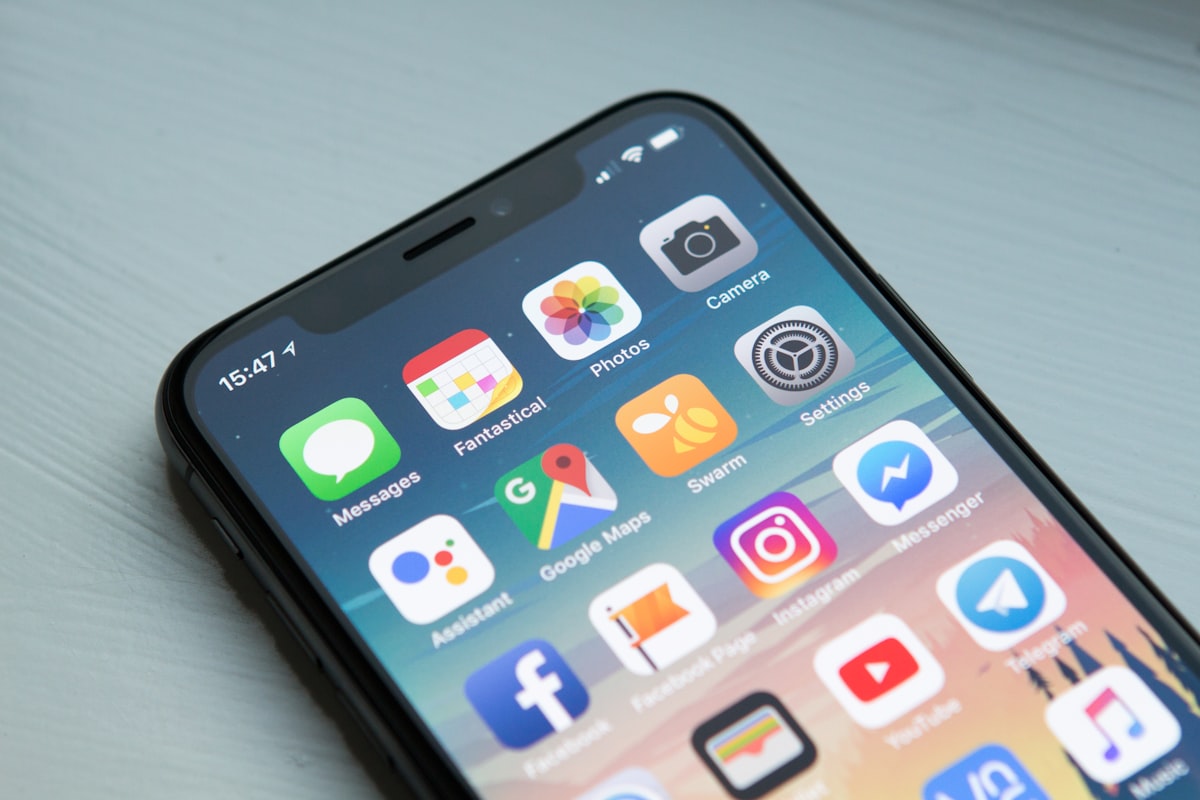
Runs in the browserOpens from the phone camera
iPhone and AndroidOne link for every device
Any printed surfacePaper, card, canvas, cartons
Zero developersIf you can upload, you can build
How it works
From flat print to moving picture in three steps
The whole setup takes less time than exporting the video did.
Upload your photo and video
Drop in the image you plan to print and the clip that should play on top of it. We pair them up and handle the tracking for you.
Generate your QR code
One click creates a unique code for the project. Download it, place it on your design, and send the file to print as usual.
Scan and watch
Anyone with a phone scans the code, aims at the print, and the video plays right where the picture is. No store, no install, no waiting.
Key features
Ink is permanent. Your story doesn’t have to be.
Everything you need to keep a printed piece working long after it leaves the press.
Swap the video. Keep the print.
New season, new offer, a better edit? Replace the video behind any code whenever you like. Every copy already out in the world plays the new version on its next scan, with nothing to reprint.
Finally, print you can measure
See how often each piece gets scanned and when the activity peaks, so you know which prints are pulling their weight.
A button on top of the paper
Add a tappable button to the experience and send viewers straight to your shop, booking page, gallery, or socials while their attention is still on you.
Opens in the browser
Viewers go from scan to video without visiting an app store.
No-code builder
Upload, preview, publish. No SDKs, no scripts, no developer queue.
One tidy dashboard
Every project, code, and video in one place, ready to edit.
Use cases
Made for people who put things on paper
If your work ends up printed, it can now end up playing.
Photographers & Events
Hand over a wedding album where the first dance actually plays. Turn invitations, photo-booth strips, and framed portraits into keepsakes that hold the moment and the motion.
- Wedding albums
- Invitations
- Yearbooks
Print & Packaging
Offer clients something the shop down the road can’t. Give labels, cartons, business cards, and brochures a second layer: a how-to, a founder’s welcome, a product demo.
- Product labels
- Business cards
- Brochures
E-commerce
Make the unboxing the best part of the order. A thank-you card that talks, a setup guide that shows instead of tells, and a reorder button waiting at the end of the clip.
- Package inserts
- Setup guides
- Reorder prompts
Marketing Agencies
Pitch print that reports back. Launch posters, flyers, and direct mail with video built in, refresh the creative mid-campaign, and bring scan numbers to the next client review.
- Out-of-home
- Direct mail
- Campaign reporting
Questions
Good to know before you start
Do viewers need to install anything?
No. They scan the QR code with their phone camera, the experience opens in the browser, and they allow camera access when asked. That’s the whole process.
Can I change the video after I’ve printed?
Yes. The QR code and the printed image stay the same while you replace the video in your dashboard. Existing prints pick up the new video automatically.
Do I need design or technical skills?
Not at all. If you can attach a file to an email, you can build an AR project here. Upload the image, upload the video, download the code.
What kind of prints work best?
Images with clear detail and good contrast track most reliably. Photos, illustrated labels, posters, and cards are all great candidates. Very plain or highly reflective surfaces are harder for a camera to lock onto.
Your next print could be playing by tonight.
Create a free account, upload one photo and one video, and scan your first living print before your coffee goes cold.
Free to start. No app, no code, no reprints.